Native macOS · Local-only
Fast-forward the boring parts of your screen recordings.
Speedup is a Mac app for long screen recordings. Mark the slow parts nobody wants to sit through, pick a speed, and export one clean .mp4 — ready to post anywhere.
Three steps. One file. Five minutes.
- 01
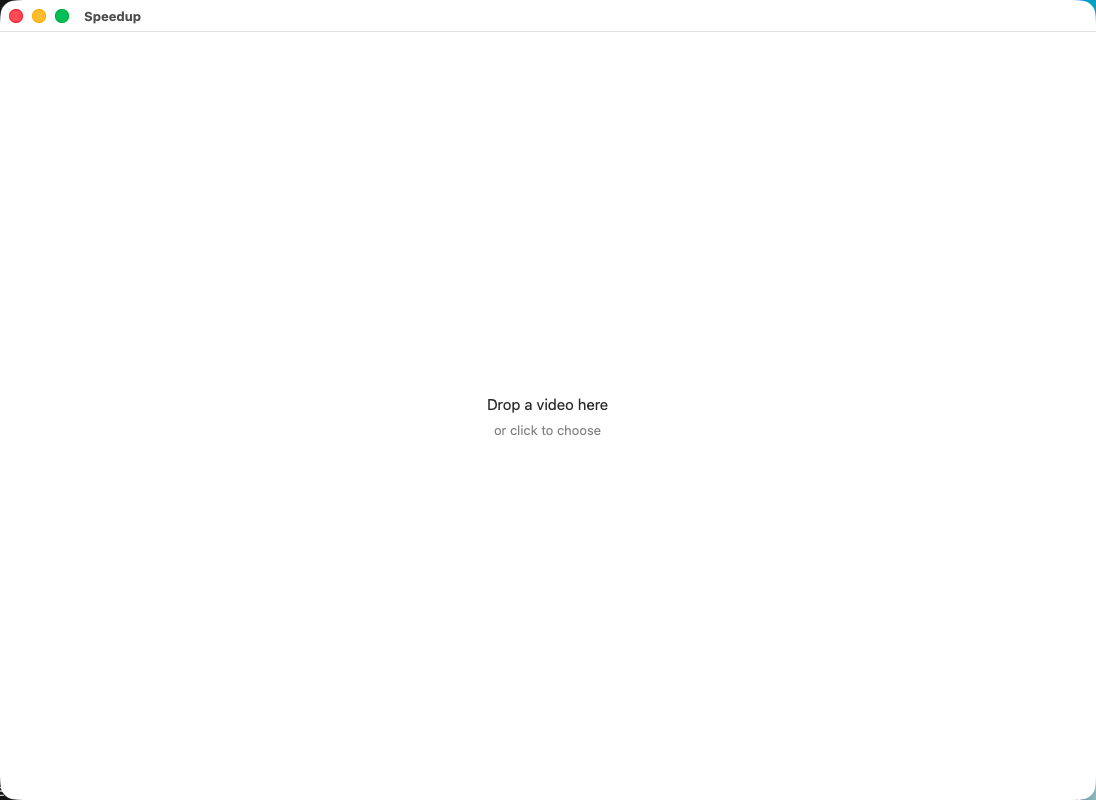
Open your recording
Drop in a screen recording. It plays right away — no import step, no project file, no waiting.
- 02
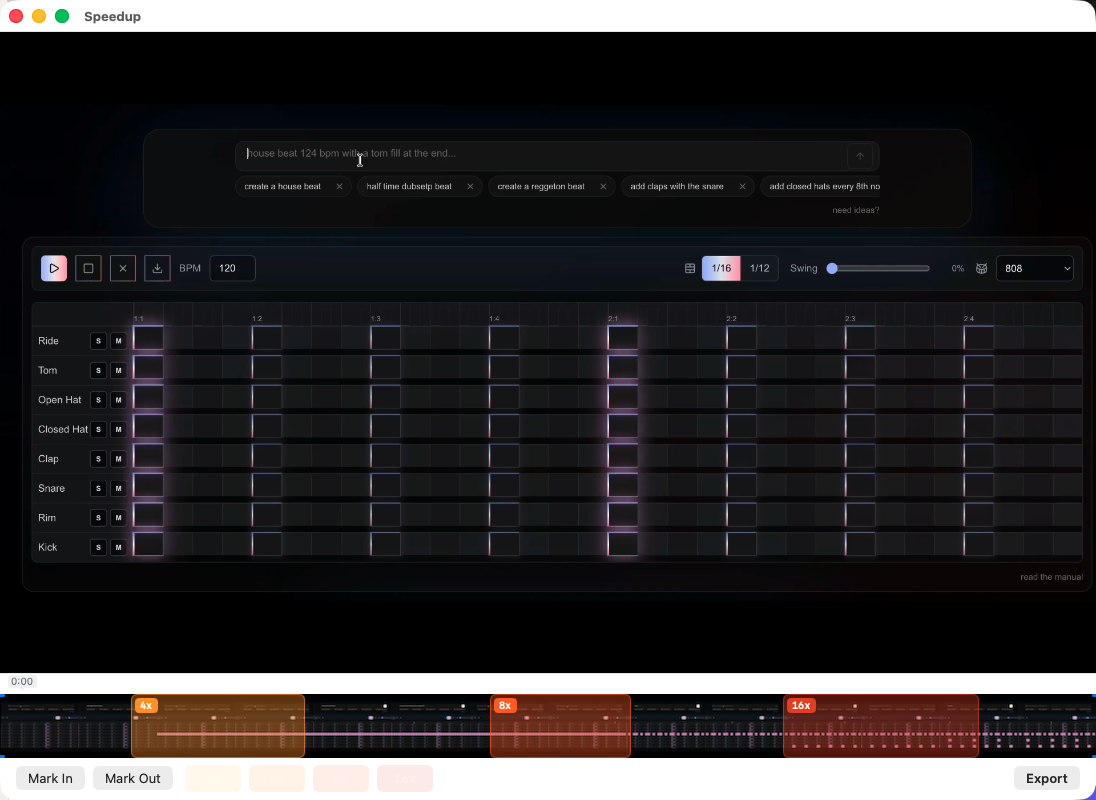
Mark it and speed it up
Drag across the dull stretches on the timeline and give each one a speed — 2×, 4×, 8×, or 16×. Sped-up sections are muted automatically, so there's no chipmunk audio.
- 03
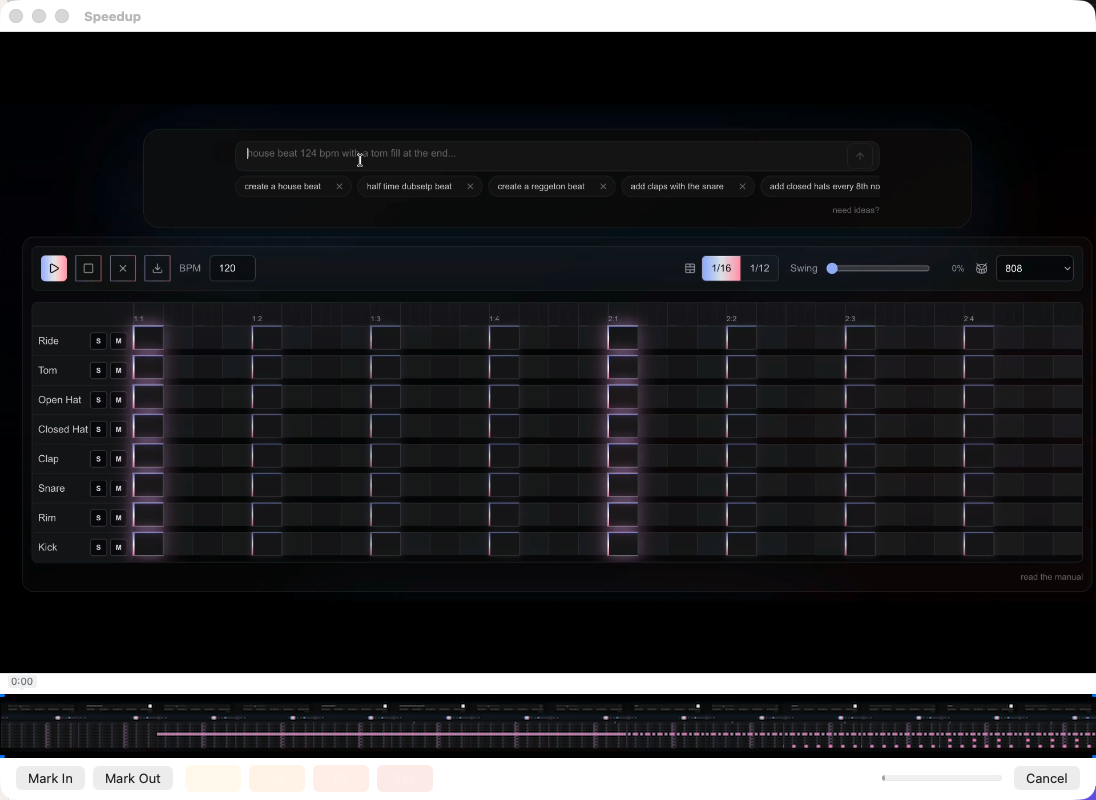
Export one .mp4
Trim the start and end, press Export, and get a single .mp4 at full resolution — ready for YouTube, LinkedIn, or wherever you share.


Pricing
One price. Pay once. It’s yours.
Buy it once and it’s yours to keep, including a year of updates. No subscription, no account, nothing in the cloud.
Your first export is free — no account, no watermark, no time limit. When you want to export again, unlock it with the one-time $29 purchase.
- Runs entirely on your Mac — no telemetry of any kind.
- Signed and notarized by Apple (Developer ID).
- One file in, one clean .mp4 out.
Checkout is handled by Polar, our payment provider — they take care of receipts and any tax. Not the right fit? Email us within 30 days for a full refund.
A few common questions
How much does it cost?
Your first export is free, so you can try it on a real recording before paying. After that, a one-time $29 unlocks unlimited exports — no subscription, no account.
Is it safe to install?
It's signed and notarized by Apple, so it opens without security warnings — no right-click-to-open workaround.
Which Macs does it run on?
Any Mac on macOS 15 (Sequoia) or later, Apple Silicon or Intel.
What can I open in it?
Any screen recording — .mp4, .mov, or .m4v.
Will it change my original recording?
No. It saves a new file next to your recording and never edits or overwrites the original.
Do my recordings stay private?
Completely. Your recordings never leave your Mac — nothing is uploaded and nothing is tracked. The only time Speedup goes online is the moment you unlock your license; that's it.
Everything happens on your Mac. No account, no tracking, nothing uploaded — your recordings never leave your computer. Privacy policy